
How to order
How to register and place an order
1
Open the e-shop
Go to www.wepack.cz.
2
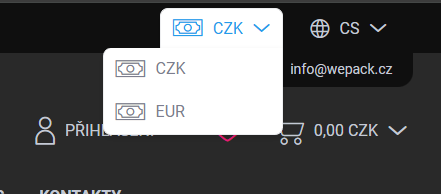
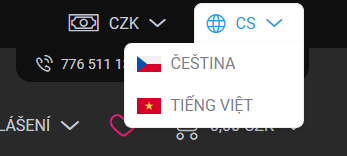
Select language and currency
In the top right corner, choose the settings that suit you best.
3
Create a new account
Click “Login” and choose “New registration”. Select the correct account type:
End customer For regular purchases without a company ID.
Wholesale / Gastro For restaurants and businesses (company ID required).
When entering your Company ID, your details will be filled in automatically. Don’t forget to select the correct region (Prague / Outside Prague).
4
Confirmation and activation
After submitting the form, you will receive a confirmation email.
- End customer: You can start shopping immediately.
- Wholesale: We will review and activate your account for special pricing (usually within a few hours).